Type the number straight away
Email addresses, URLs, model numbers and IDs often need a digit in the middle of letters.
Zero Switch Keyboard
Keep 1–0 above the QWERTY letters. When an email address, URL or ID needs a number, type it without moving to another keyboard layer.
iPhone · iOS 18.0+One-time purchase. Your App Store shows local availability and price.
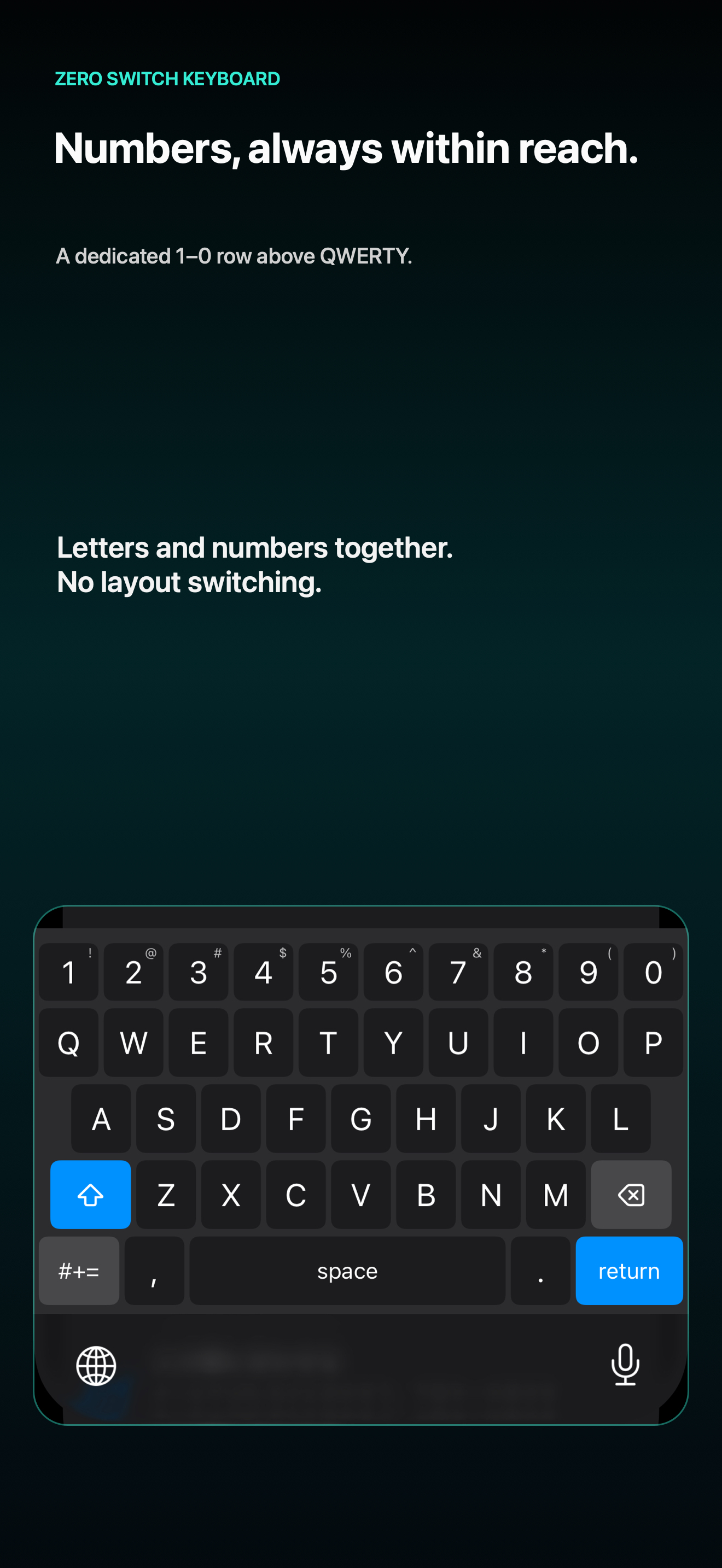
The actual keyboard UI, shown in an English App Store screenshot.
THE EVERYDAY DIFFERENCE
The number row remains visible above the letters. Long-press a number for its paired symbol. It is a small change designed for the moments you mix letters and numbers.
Real iPhone recording. The video’s on-screen captions are in Japanese.
Email addresses, URLs, model numbers and IDs often need a digit in the middle of letters.
The layout keeps letters, space, delete, shift and the Globe key where you expect a keyboard to have them.
Use the Globe key for the iPhone’s standard Japanese keyboard or another installed keyboard. This first version does not provide Japanese conversion or predictive suggestions.
BUILT WITH A CLEAR BOUNDARY
The keyboard extension does not request Full Access or make network requests. The developer does not save, send or log what you type. The app has no ads, analytics SDK or account.
The app you type into still receives and handles the text you enter there. This website and its optional email updates have separate data practices, explained in our privacy information.
GOOD TO KNOW
Zero Switch Keyboard is for typing English letters, numbers and common symbols. Add it in iPhone Keyboard settings, then use the Globe key to switch between your installed keyboards. Full Access is not required.
iOS may show its system keyboard in secure text fields, some phone-number fields and apps that do not allow third-party keyboards. This version does not include Japanese conversion, predictive text or other language conversion.
It is a one-time App Store purchase, not a subscription. View in your App Store to check availability and the local price before purchasing.